You want a character nobody else talks to, with the face, the job and the voice you chose. Candy AI has a creator for that. It takes fourteen screens and about five minutes, and it charges 10 tokens on the very last button, not before. A new face in the preview costs 1 token per try. Everything else, from the age slider to the nine voices, is free to click, and most of it stays editable afterwards. The free plan allows one creation; Premium allows as many as your balance covers.
Here you get what each screen controls, which choices change the conversation and which only change the pictures, the cost of a first evening with a new character, the fields you can edit later, and what a custom character lacks next to the 247 in the catalogue. Option names are copied from the creator on our paid Premium account. Prices come from its buttons and from the tokens and subscriptions pages. We are not Candy.ai: we pay for this account like any user.
In short
- Create Character in the left menu opens 14 screens. Nothing leaves your balance before Bring my AI to life, at 10 tokens.
- Choices: 5 ethnicities, age 18 to 55+, 12 personalities plus Custom, 20 relationships, about 45 jobs, up to 3 kinks, 9 voices.
- Change Face in the preview costs 1 token a try. Name, personality, relationship, kinks and voice can be changed later for free.
- Free plan: 1 character. Premium: one per 10 tokens you hold.
Looks: six screens that only shape her pictures
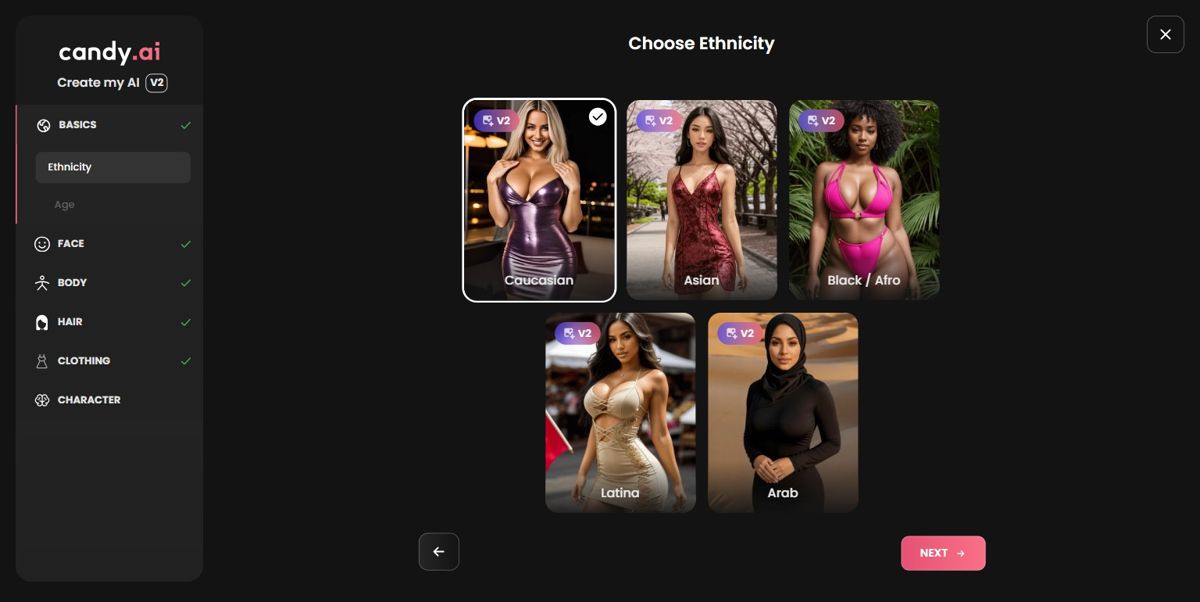
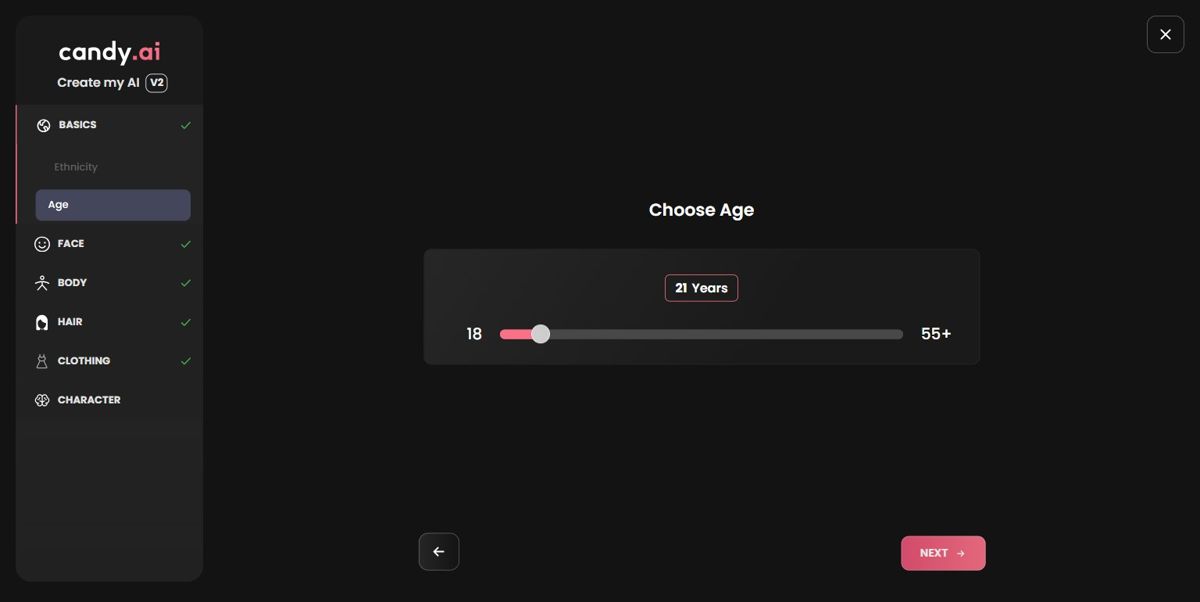
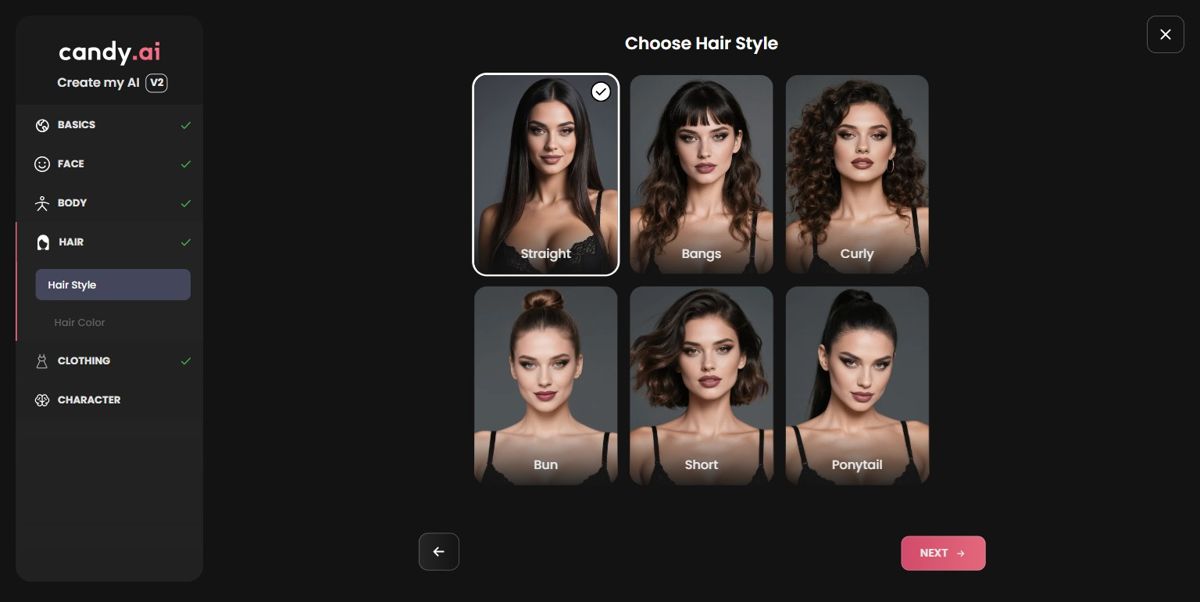
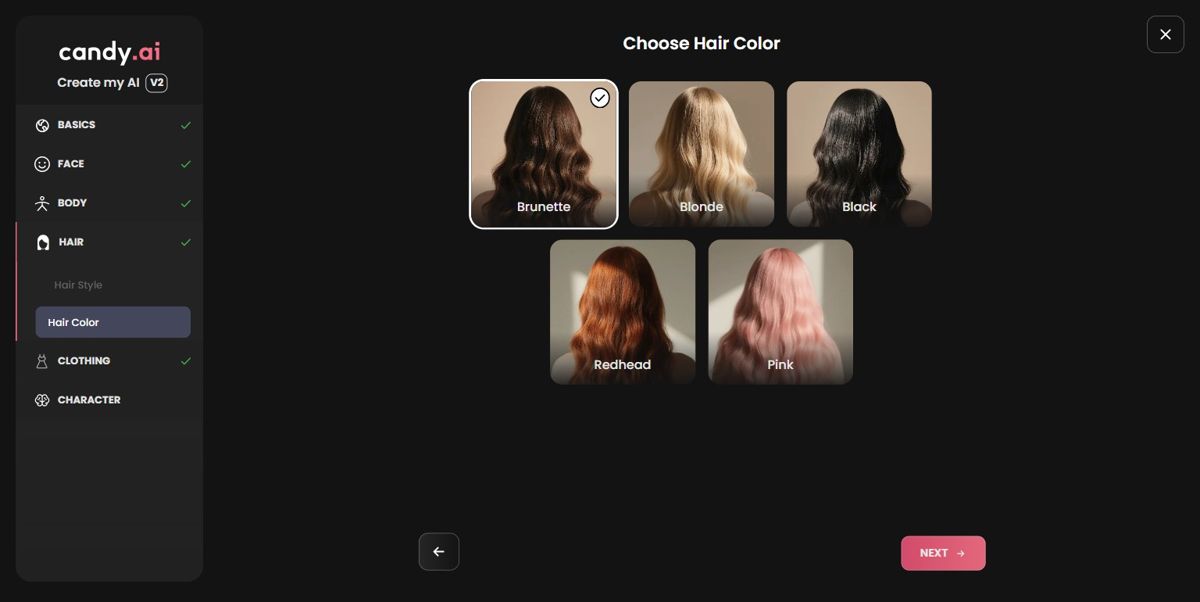
The creator is split in two halves, and knowing which half you are in saves time. The first six screens build the image model of the character: the face, the body, the hair, the first outfit. They decide what every future picture looks like, so they matter if you plan to generate images, and much less if you mostly chat. The model reads the whole sheet at once, so keep age, body and outfit coherent with each other.
| Screen | Options | What it changes |
|---|---|---|
| Ethnicity | Caucasian, Asian, Black / Afro, Latina, Arab | The base of the face, with age |
| Age | Slider from 18 to 55+ | Face, and the tone of her messages |
| Eyes | Brown, Blue, Green | Visible in every picture |
| Body and chest | 5 body types, 4 chest sizes | Silhouette in pictures |
| Hair | 6 styles, 5 colours | The second thing you recognise after the face |
| Outfit | 12 outfits, more under Show all | Her first picture only; chats can change it |
Character: the screens that decide how she talks
The second half writes the prompt behind every reply. Personality sets her attitude, relationship sets where the story starts, occupation feeds her small talk, kinks set the adult side. Two characters with the same face and different answers here feel like different people; two with different faces and the same answers feel alike. Spend your five minutes on this half.
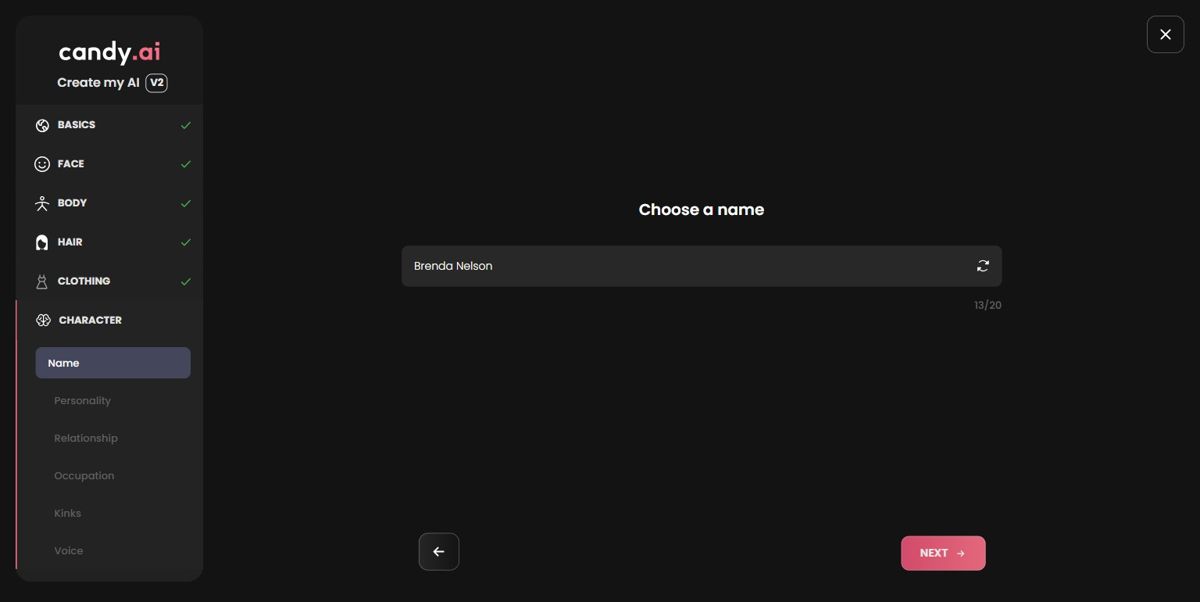
Name
Generated for you, with a refresh icon for another one, or typed by hand.
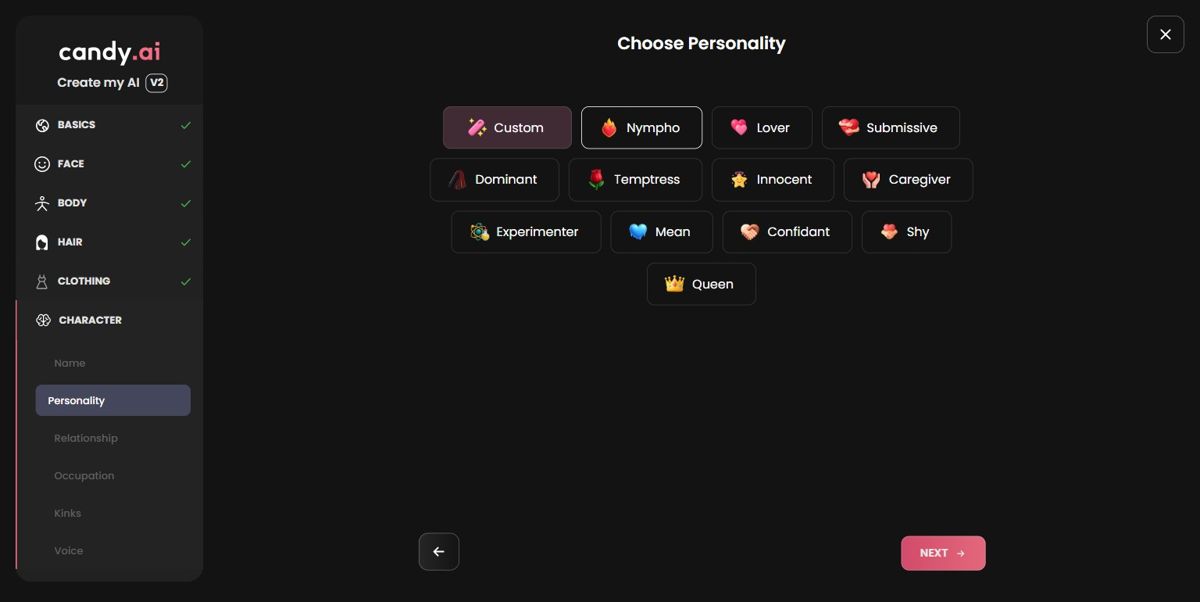
Personality
Custom plus twelve presets: Nympho, Lover, Submissive, Dominant, Temptress, Innocent, Caregiver, Experimenter, Mean, Confidant, Shy, Queen. For long conversations, Confidant and Lover gave us the most natural replies.
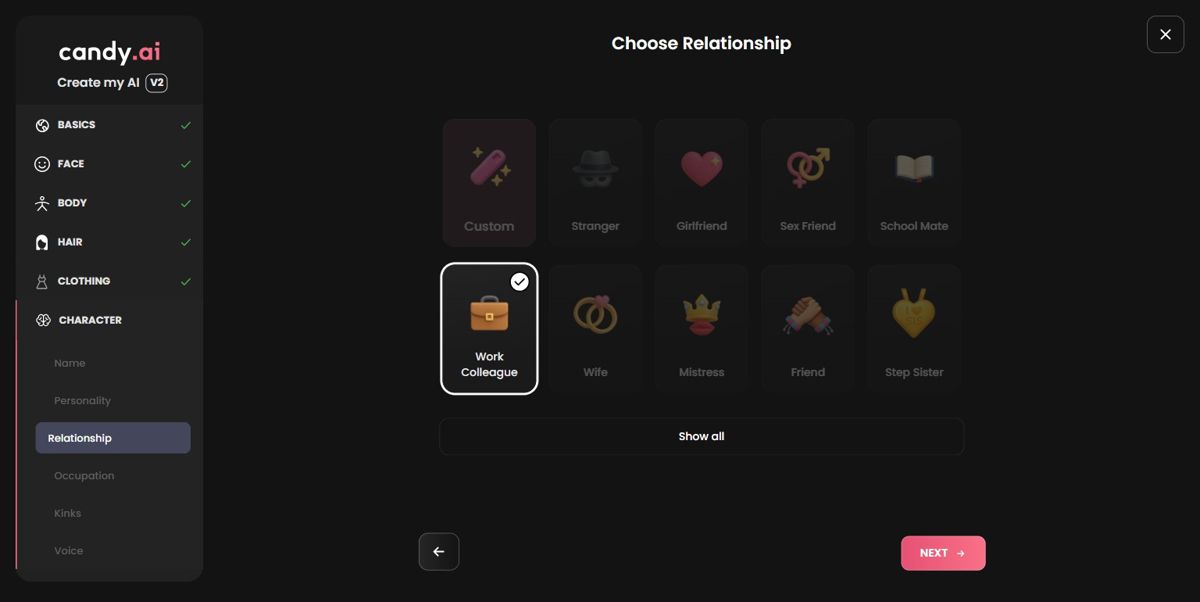
Relationship
Ten tiles on screen and ten more under Show all, from Stranger and Girlfriend to Boss, Teacher or Neighbour. A Girlfriend starts the chat further along than a Stranger.
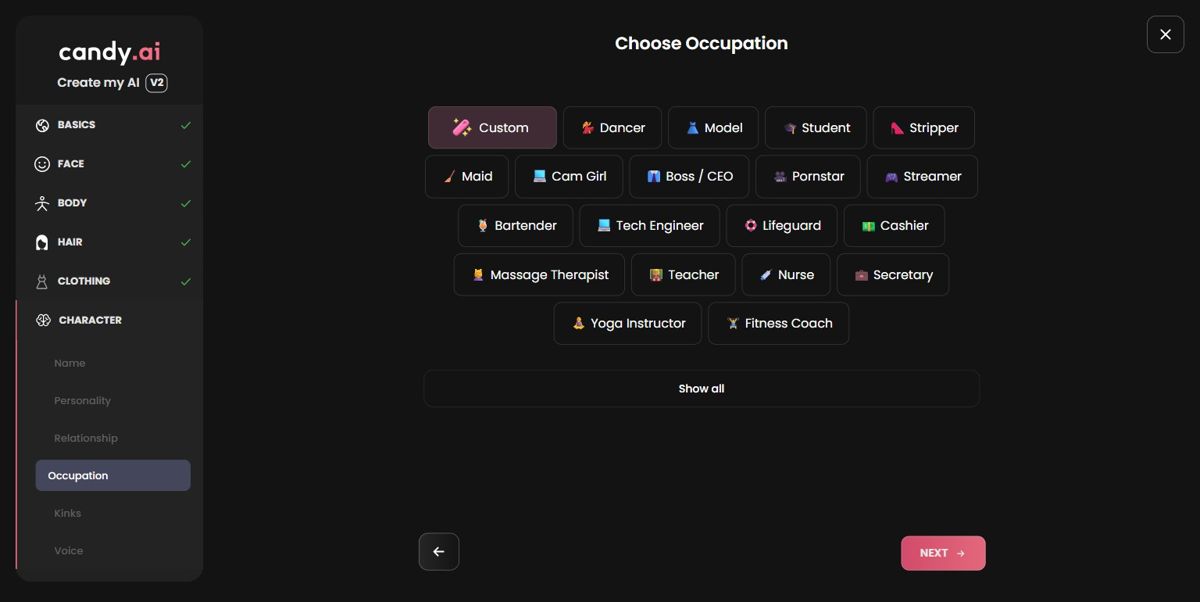
Occupation and kinks
About 45 jobs plus Custom, then up to three kinks picked from a searchable list. Pick a job you can talk about: she will bring it up. If you only want a companion, softer kinks such as Cuddling or Playful Teasing are in the list.
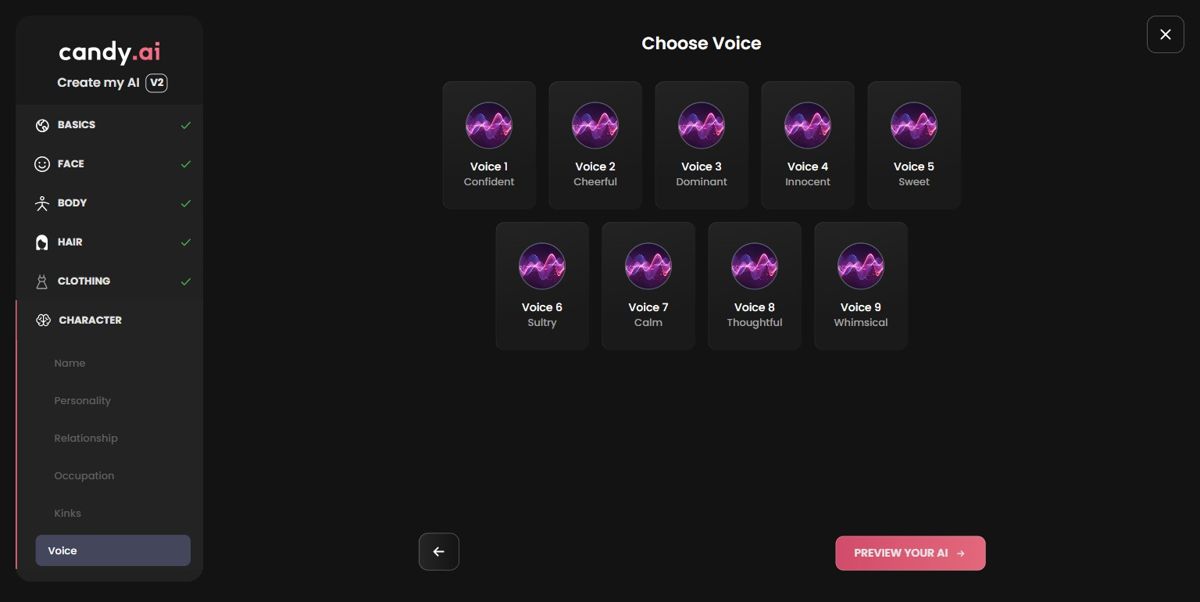
Nine voices, and why you listen before you call
The last screen is the voice, and it is the one people skip. Each of the nine has a free sample button: Confident, Cheerful, Dominant, Innocent, Sweet, Sultry, Calm, Thoughtful, Whimsical. The voice is used in calls at 3 tokens a minute and in voice notes, so a voice that grates on you is paid for every minute you hear it. Sweet and Calm held long calls best in our builds. You can switch voices later at no cost; the voice calls guide covers the rest.
Preview, Change Face and the 10-token click
The creator only bills you once you have seen the result, which is why it ends on a preview instead of a payment screen. Use it: a face you dislike costs 1 token to replace here, against a new picture at 4 tokens later.
Preview Your AI
The button on the last screen starts the generation. It takes a few seconds and shows her picture with two tabs, Appearance and Character.
Change Face if needed
1 token per try. The rest of the sheet stays as it is.
Bring my AI to life
The final button, 10 tokens. Only now does the balance move. She appears under My AI in the left menu and in your chat list.
A new character's first evening, priced
Ten tokens is only the entry ticket. What a new character really costs depends on how you meet her: pictures and calls are paid at the usual rates, text is free on any paid plan. Here is one evening on Premium, whose 100 monthly tokens are the budget.
| Action | Tokens |
|---|---|
| Bring my AI to life | 10 |
| Two Change Face tries in the preview | 2 |
| Three pictures of her in the chat, 3 x 4 | 12 |
| A 6-minute call to hear the voice, 6 x 3 | 18 |
| An hour of text | 0 |
| Total | 42, so 58 left of 100 |
The same evening on the free plan stops after the creation: no tokens, five messages in total. Plan prices and the cost of extra tokens are in the pricing guide and the tokens guide.
Editing her later: what stays free
Most of the sheet is text, and text costs nothing to rewrite, so Candy lets you change it from her profile page. The look is different: a new appearance means new pictures, and pictures are paid.
| Change after creation | Cost |
|---|---|
| Name, personality, relationship | Free, from her page |
| Kinks and voice | Free, from her page |
| A picture in a new look | 4 tokens per image |
| A second character instead | 10 tokens, Premium only |
Changes apply to the next replies. Her memory and relationship level stay in the same chat, as described in the memory and chat modes guide.
Custom or catalogue: what your character will not have
A custom character gets the same chat, memory, images and calls as a catalogue one. What she does not get are the features Candy produces in advance for featured characters: no live action scenes, no Shorts series, no private content packs. Those exist only on catalogue profiles, which is why the character list on this wiki records them.
The fourteen screens we went through build a realistic character; we did not document an anime style inside this flow, so we make no claim about it. Anime characters do exist in the catalogue, listed on our anime page. Male characters sit under the Guys tab of the catalogue. If you mainly want scenes and packs, start from the catalogue; if you want a sheet written your way, build.
Three builds that waste the 10 tokens
FAQ
How much does it cost to create a character on Candy AI?
10 tokens, charged on the Bring my AI to life button only. Each Change Face try in the preview adds 1 token. Going through the fourteen screens is free.
Can I create a character on the free plan?
Yes, one. After that you need a paid plan and tokens, 10 per character. With five messages in total, the free plan leaves little room to talk to her.
Can I edit my character after creating her?
Yes. Name, personality, relationship, kinks and voice change for free from her page. A new look needs new pictures at 4 tokens each.
How many voices can a custom character have?
Nine: Confident, Cheerful, Dominant, Innocent, Sweet, Sultry, Calm, Thoughtful and Whimsical. Each has a free sample in the creator.
What happens if I skip a screen?
A "No selections made" pop-up offers a random choice. You can go back to any screen from the column on the left.
Can my character have live action or private packs?
No. Live action, Shorts series and private packs belong to featured catalogue characters only.
See also